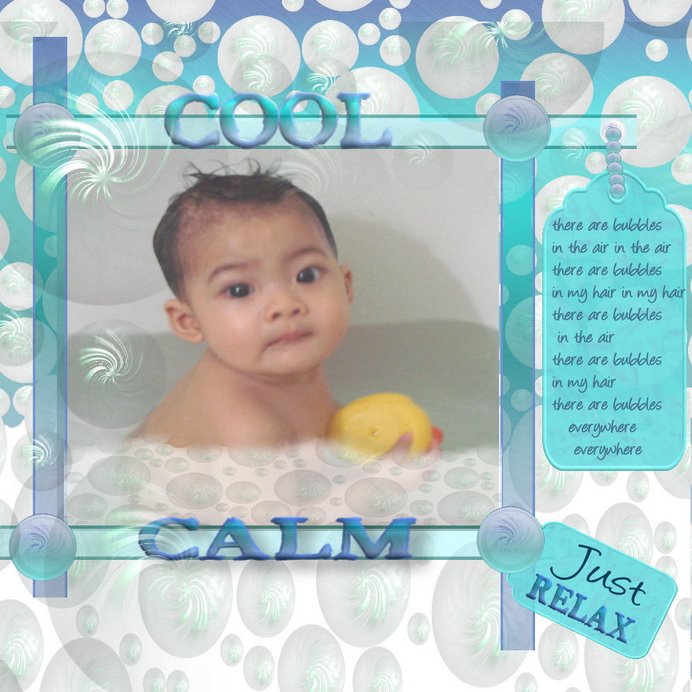
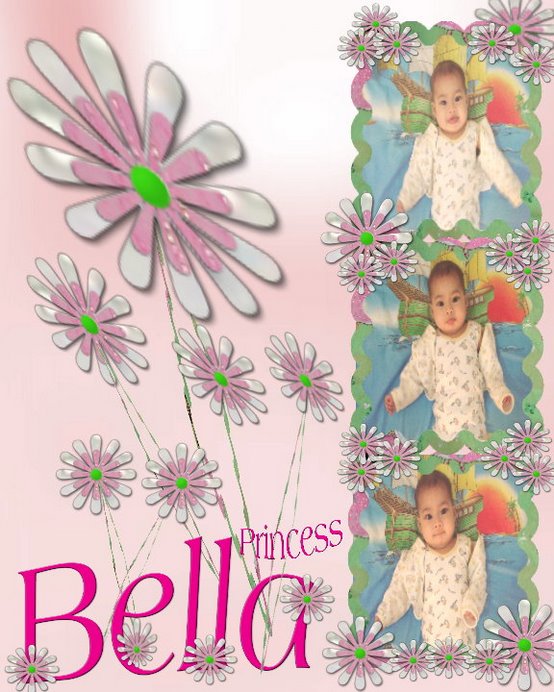
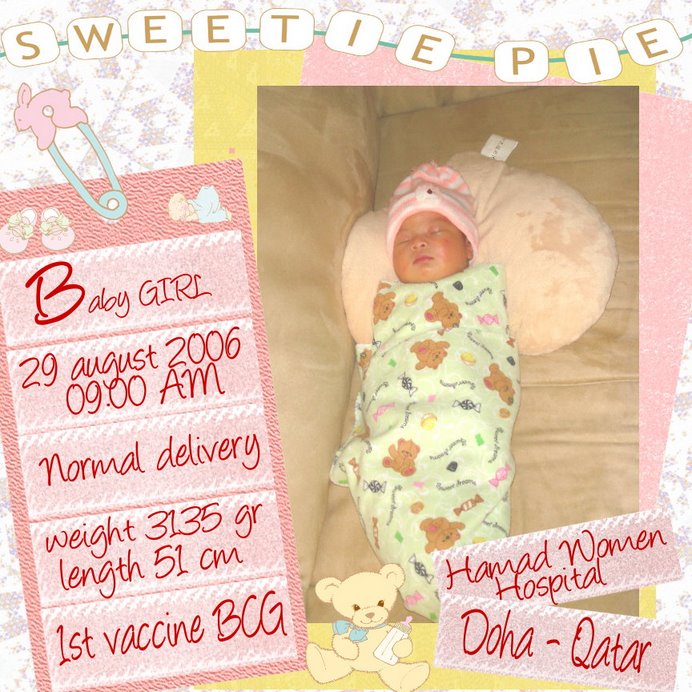
I am still learning with the perspective, and when there's challenge from craftmasters, I think WOW this is so unique and the colour can be blend to make a room so I decided to go with the challenges and improve my perspective Lay out. Anyway... it turns out almost perfectly (for me) but I think I need more to learn since I think it was not like I meant, but it is too close tough!!!

Anyway, lately has been a buzzzzyyyy buzzzzyyyy bussssssyyy day for me so I haven't do anything yet with the new kit and evrything and even posting something to blog...
so I come back now...but without new kit..yet!
well, enjoy your day friends, and thanks too look out to my LAY OUT and if you are the member of SCRAPBOOKFLAIR, don't forget to vote on me here and vote in the challenge also (by clicking in the group-craftmaster true blue kit challenge)
thanks very much... I appreciated soooo much...,
love from Qatar..
Sari
Tuesday, July 10, 2007
perspective Lay out

Friday, July 6, 2007
de batavia
well, every once a year for a month in Jakarta, Indonesia, my birth place, will be held a festival, it is called JAKARTA FAIR OR PEKAN RAYA JAKARTA started everytime on 22 June.
there will be a lot of products, arts, hand made, crafts, and also traditional and modern dance to be perform. It is for celebrate the birthday of Jakarta.
This year my Jakarta will be 480 of age... and I'm far away from there...
I miss my Jakarta soo much, and of course for that Jakarta Fair...
I've been missed 7 times of PRJ since I live abroad...oh welll!!!,
ok... to celebrate my PRJ... I made a new kit for me... it is called DE BATAVIA....
here it goes... soon available in my store
click here to download
pheeewww THE PROBLEM SOLVED
yuppppppppppppp I'm running my store again...!!
now everything back to normal again.. and once more thanks to Fiona who solved my probs...!!! thanks Fiona you are the best!!
right, back to the store..
now it's running and have SALE there... SALE....
yessssssssssss buy one get one free...
sooo let's cmon dig in there....
until 8 july 2007...
but don't worry there will be more surprise as I thinking to running this bussiness more seriously.. just wait and see..ok!!
oke... bye...bye.. and have a nice day!
Monday, July 2, 2007
STILL HMMMMMMMMMMM..MMHHHH
this is just sooooooooooooooooo sad for me...
well, since I can't take any payment from my customer.. I have to closed my store..!!! THANKS TO PAYPAL FOR THIS!!!
is it the sign that I should just give my kits free..? mumble..mumble...
anyway.. I've been thinking for that.. will let you know after couple days, while I still waiting for contact with Fiona.
ok why should I so deppressed with it...?
let me just fly away and forget.. maybe it's not my time..
maybe...maybe... (I'm still sadddddddddddddddd...;((()
well, for time being, why I'm not crawling back to my old hobby?
SHUDOKU... yes my fav hobby... when I'm working with it, will heals me to forget my probs. RIGHT.. SUDOKU HERE I COME.....!!!
PS: I love to play it here
Sunday, July 1, 2007
Hmmmmmmmmmmm..................mmhhh!!!!
Today I feel soooooooooo bad.
I've workin a couple days with this paypal and it really suck!!!
well,
I've been join with Fiona in the designerscrapbooks store, and it means I must have paypal account. right, then I join and settle everything.. but... I wonder why there's so many problem encounter with this paypal things. like in my store you will find there's no option for Credit Card payment, means all the buyers must pay with this paypal only. I try to figure out all day.. till I found the solution, while Fiona at the same time told me that PAYPAL from QATAR doesn't have this option..;((
huuuuuuuuuuuuuhhh.. ok let's forget.. still not a big matter since almost scrapbook buyers join with this paypal...
BUT THIS IS NOT THE END... I still have facing another challenge with PAYPAL.
WHEN Fiona wants to refunds some transaction, problems encountered with the words: PAYPAL FROM QATAR ARE ONLY ABLE TO SEND PAYMENTS NOT ELIGIBLE TO RECEIVE FUNDS
WHAAAAAAAAAAAAAAAAAAAAAAAAAAAATTTTTTTTTTTTT and DOUBLE WHAAAAAAAAAAAAAAAAAAAAAAAAAAT
come on mannn I have bussiness here to do.. then how am I going to tell this to my customers.....?????
any idea to solve my probs?
well for me today is a headache day!!!!! let's hope tomorrow will be better!!
ok take care everyone, feel free to give me your solution,
love
Sari
Friday, June 29, 2007
Tutorial for my Indonesian fellow
Buat temans Indonesia... yukkk bersama-sama belajar SCRAPBOOK DIGITAL. (dengan program SCRAPBOOKFLAIR)
pertama - tama yang kita perlukan adalah program khusus untuk mengedit dan mempercantik tampilan foto kita.
program di komputer seperti microsoft office dapat digunakan, namun sulit. nah.... program khusus untuk scrapbook yang gratis bisa di download disini.PILIH DOWNLOAD SCRAPBOOKFLAIR SOFTWARE.
software sudah terpasang..?
yak... mari kita mulai..
pada scrapbook flair ada 2 tampilan seperti ini:
pilih create a new project
kita masuk pada tampilan berikut ini
kita masuk ke tampilan berikut
karena kita akan belajar membuat sendiri, maka kita pilih icon SHOW BACKGROUND.
masuk ke tampilan berikut ini:
silahkan pilih tema dengan mengklik select a theme.
tentukan ukuran kertas (paper size), sebagai standar saya akan gunakan 8X10(in)
lalu tentukan letak kertas, apakah potrait/posisi vertikal atau landscape/posisi horisontal.
sebagai contoh tutorial disini, saya akan memilih
tema: Basic pattern, lalu klik salah satu gambar yang ada disitu (sy pilih no. 2)
paper size 8X10
paper orientation : potrait
(silahkan temans tentukan tema sendiri)
klik ok
akan masuk ke tampilan sbb:
mari kita mulai....
pertama kita klik add image untuk mengambil foto yang kita simpan di komputer jika tidak sesuai silahkan cancel lalu ulangi lagi.
klik foto yang kita inginkan.
setelah itu kita pindahkan ke sudut sesuai keinginan kita dengan menarik kursor. jika ingin menambah foto lagi kembali klik add image seperti tadi
pindahkan kesudut sesuai design anda.
ingin mengganti tampilan kotak foto dengan bentuk lain?
klik kursor pada foto yang ingin diubah lalu klik add shape
pilih shape yang disukai lalu klik ok.
ingin foto diberi border?
klik kursor pada foto yang ingin diberi border lalu pilih add border
pilih border yang disukai, dan tentukan ukuran besar border.
tampilan berikut seperti ini
untuk mengedit foto kita akan bahas pada tutorial berikutnya.
untuk memperbesar atau memperkecil foto, klik foto tersebut lalu letakkan kursor pada ujung-ujung batas dan tarik sesuai kehendak.
untuk menambahkan element/pernak - pernik klik add embellishment
klik select a theme dan silahkan pilih tema yand disukai
tambahkan pernik/element sebanyak yang anda sukai dengan mengulang klik add embellishment
untuk USE MY EMBELLISHMENT akan dibahas pada tutorial berikutnya.
untuk menambah text klik add text
ada hal yang harus diperhatikan:LAYER SORTER
layer sorter untuk menentukan susunan letak gambar yang bertumpukan.
misalkan foto ingin diletakan didepan gambar kancing, maka kita harus menarik icon foto yang ada di layar sorter keatas icon kancing, begitu juga untuk yang gambar yang lainnya.
ingin mengganti tampilan latar belakang?
klik add background.
Silahkan temans bereksperiment dan berkreasi dengan terus berlatih, dan jangan takut untuk mencoba2, karena akan selalu ada tombol undo untuk mengulang kembali perintah.
kata semboyan PRACTICE MAKES PERFECT artinya banyak berlatih biar sempurna..
karena itu BERLSTIHLAH dan BERKREATIFITASLAH selagi bisa...
saya permisi dahulu... sampai jumpa....!!!!!
Tuesday, June 26, 2007
my new kits


hellowwwwwwwwww everyone..
here is my newest kit.. now available in my store check it out in Labibahs graphics site..ok!
well how about the free sampler...?
yup... you can grab it here in the freebies section...
have a nice day!!!!!
Friday, June 22, 2007
my KITS are now for SALE


well, here it goes...
My KITS are now for SALE in designerscrapbook.moonfruit.com
Thanks to Fiona who took me as one of her designer in her store. Thanks Fiona you are the best.